
H10 Debug Page
Definition
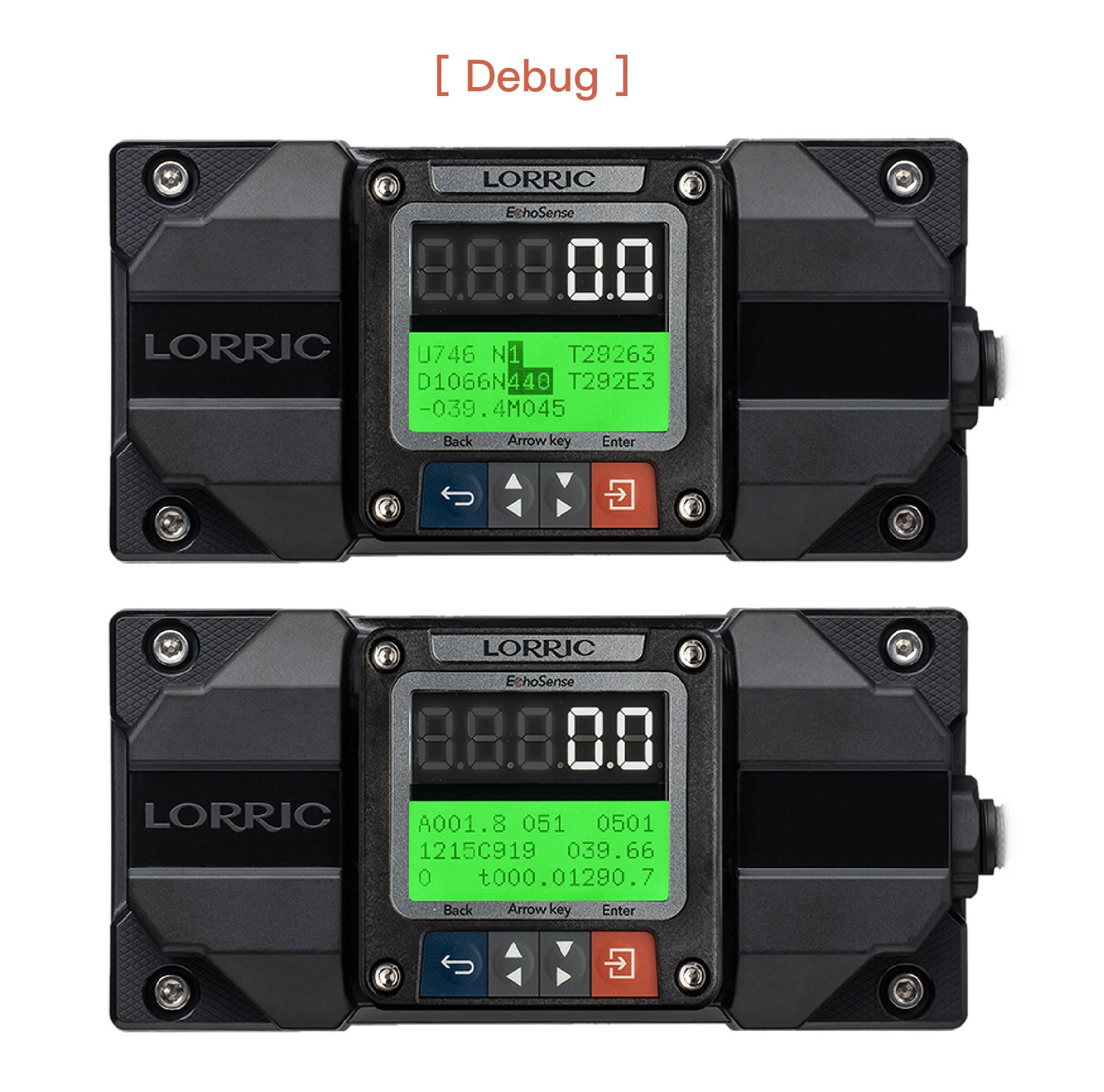
Enables the flow meter’s debug screen, which helps the manufacturer identify issues when a fault occurs. Default: On.
Notes
After enabling, return to the main screen and capture the debug screen information to send to the manufacturer for troubleshooting.
Operation Procedure
Button Functions (Click to Expand)
When the main screen is displayed in green backlight, the four buttons function as follows:
Blue Button (leftmost): Return, exit, or save settings.
Gray Direction Buttons:
Left Gray: Previous Page, decrease value, or select item
Right Gray: Next Page, increase value, or select item
 Orange Button (rightmost): Rightmost button: Enter settings, edit, or confirm selection
H10 Debug Page Setting Steps
• From the main screen (green backlight),
  press Orange Button (Setup) to enter settings (orange backlight).
• Use Gray Arrow Buttons to select H. System , press Orange Button (Enter).
• Use Gray Arrow Buttons to select H10 Debug Page, press Orange Button (Enter).
• Use Gray Arrow Buttons to choose the options.
• Press Orange Button (Set) to confirm.
• Press Blue Button (ESC) to return to the main screen (green backlight).
H10 Options, RS485 Values, Read/Write Commands, and Formats
Off
-
0
On (Default)
-
1
Refer to the Read/Write Memory List for the Modbus command format. This parameter uses the Int16 data format.
Last updated